Phone.Tablet.Terminal.Your business. Your rules.
Every way to get paid, in one app.
Tap to Pay on your iPhone, a card terminal on the counter, invoices and pay links for the job, passes and tickets for the door. Every dollar lands in your Emerge account. Built in New Zealand for Kiwi businesses.


- Start with just your iPhone
- Cards, Apple Pay, Google Pay
- Payouts to your bank
- Homegrown support
Made for the way you work.
From the first flat white to the last ticket at the door, EmergePOS fits the business you actually run.



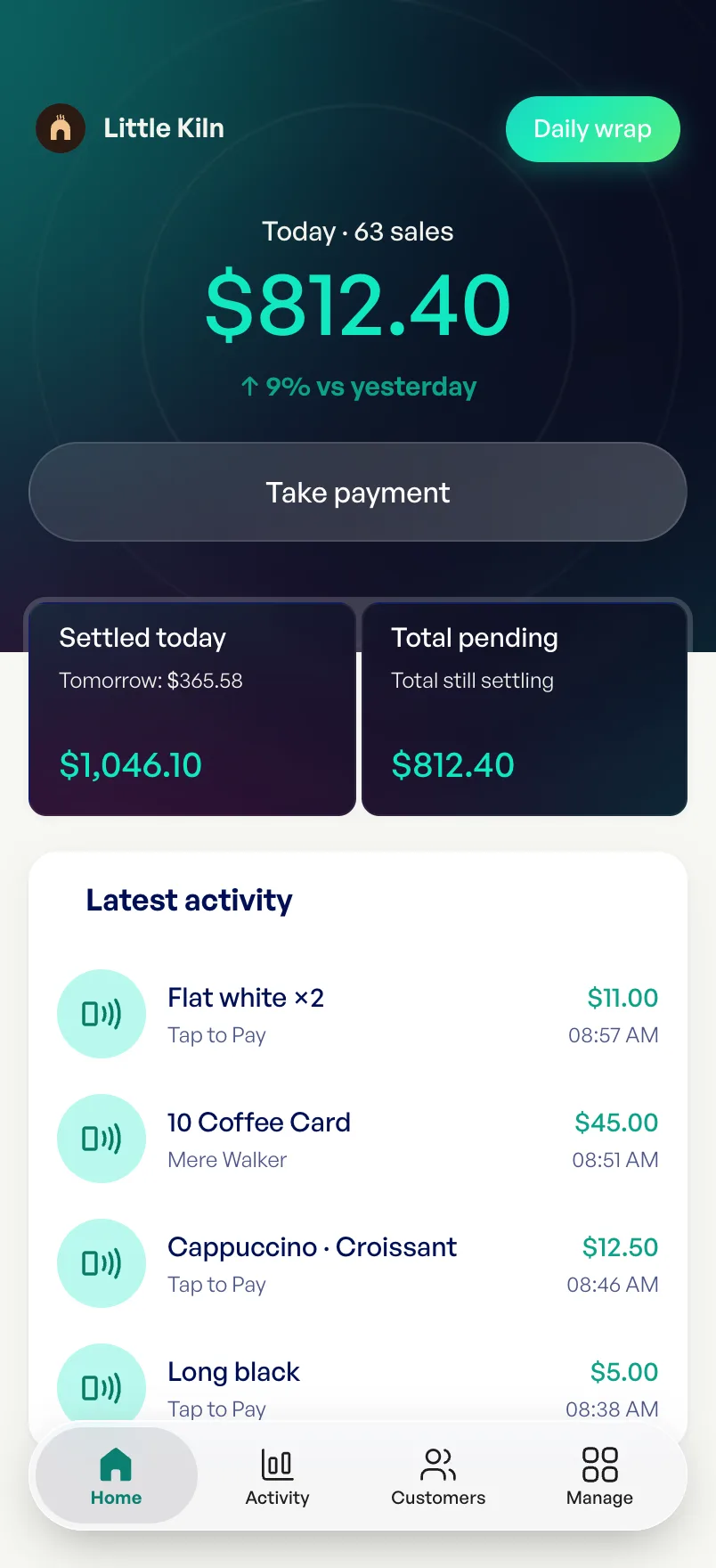
Cafés and counters
Busy mornings, quick sales, and a till that fits in your apron.



Trades and services
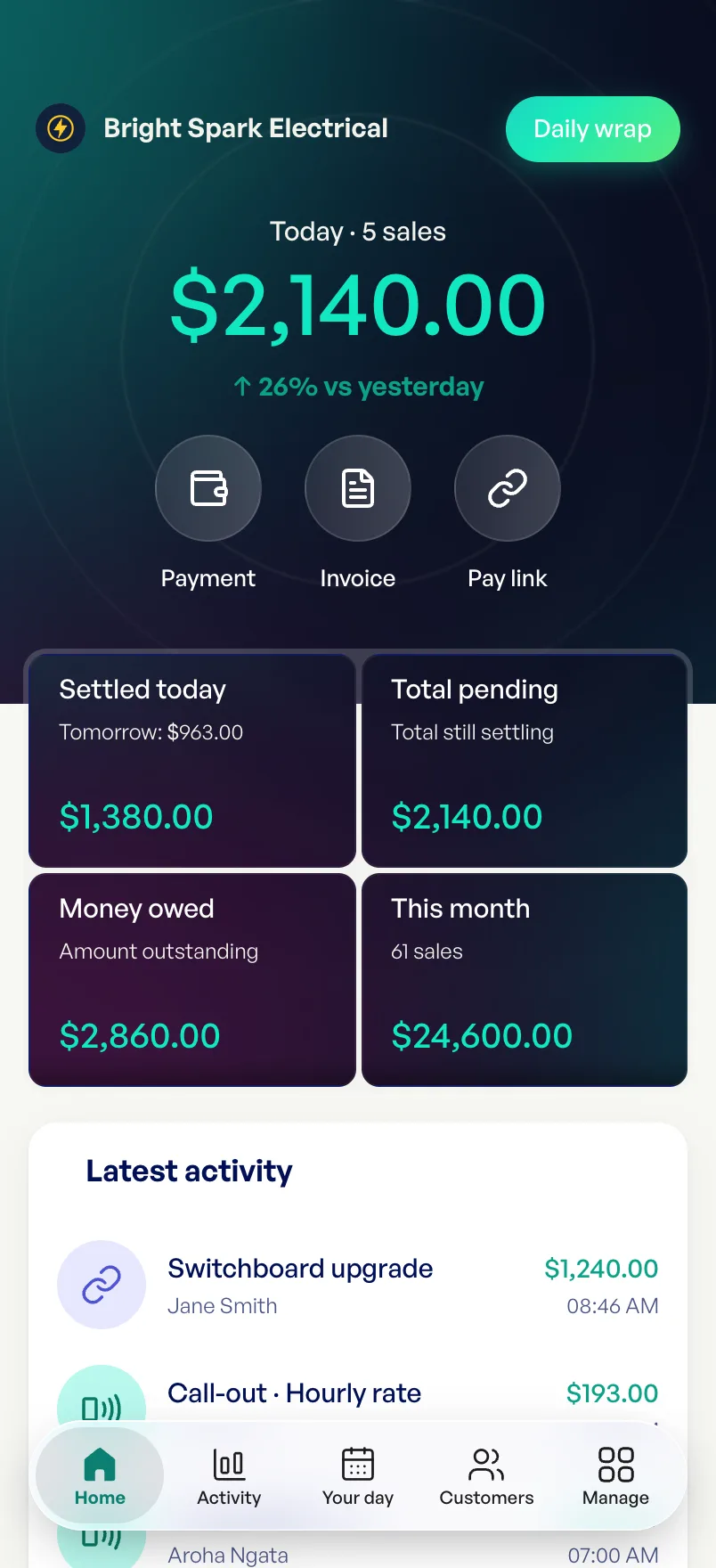
Invoice from the ute and get paid before you’re home.



Studios and gyms
Class passes that count down every visit, right in Apple Wallet.



Markets and food trucks
Tap, paid, next. Even when the queue’s around the corner.



Events and venues
Sell tickets online, then scan everyone in at the door.



Schools, clubs and causes
A fundraising page with a goal, and every gift counted.
The businesses shown are demo businesses from the Emerge Handbook.
No monthly fees. You only pay when you sell.
No subscription, no contract and no terminal to rent. A quiet week costs you nothing.
No monthly fees for any business, whatever its size.
Your phone is the terminal with Tap to Pay. Need a terminal? Choose from a range of options.
Your rate depends on your business, and you see every fee on every sale.
A new way for Kiwis to pay with open banking. Real-time authorisation and super fast settlement. No cards, no logins.
See every rate in the HandbookCover your card fees with a surcharge
Everything to get paid, nothing you don’t need.
These are the real screens, running on our demo businesses. Have a play.
Tap. Paid. Done.
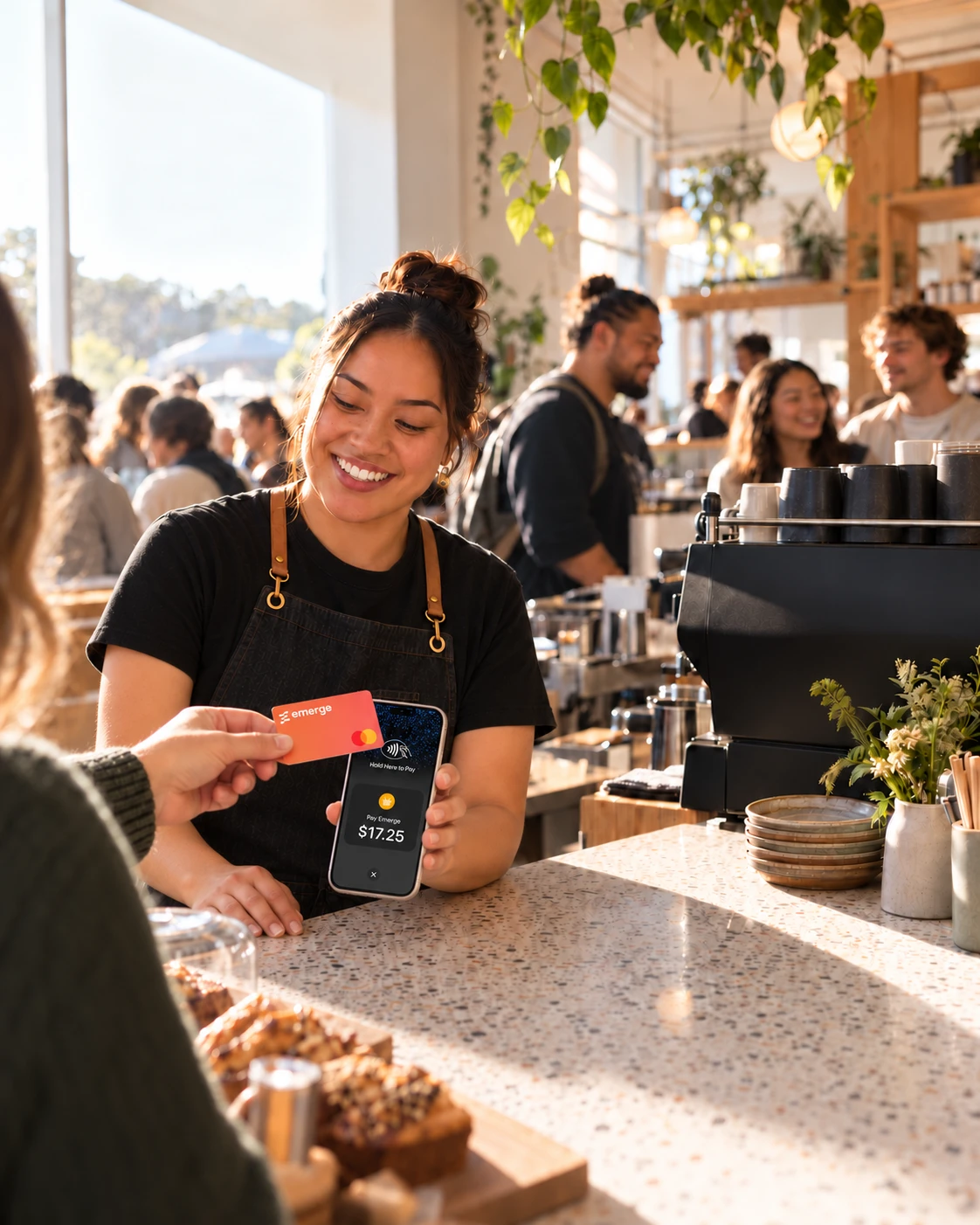
Your iPhone is the terminal. No reader to buy, nothing to charge, nothing to forget at home.
- Cards, Apple Pay and Google Pay, straight to your phone
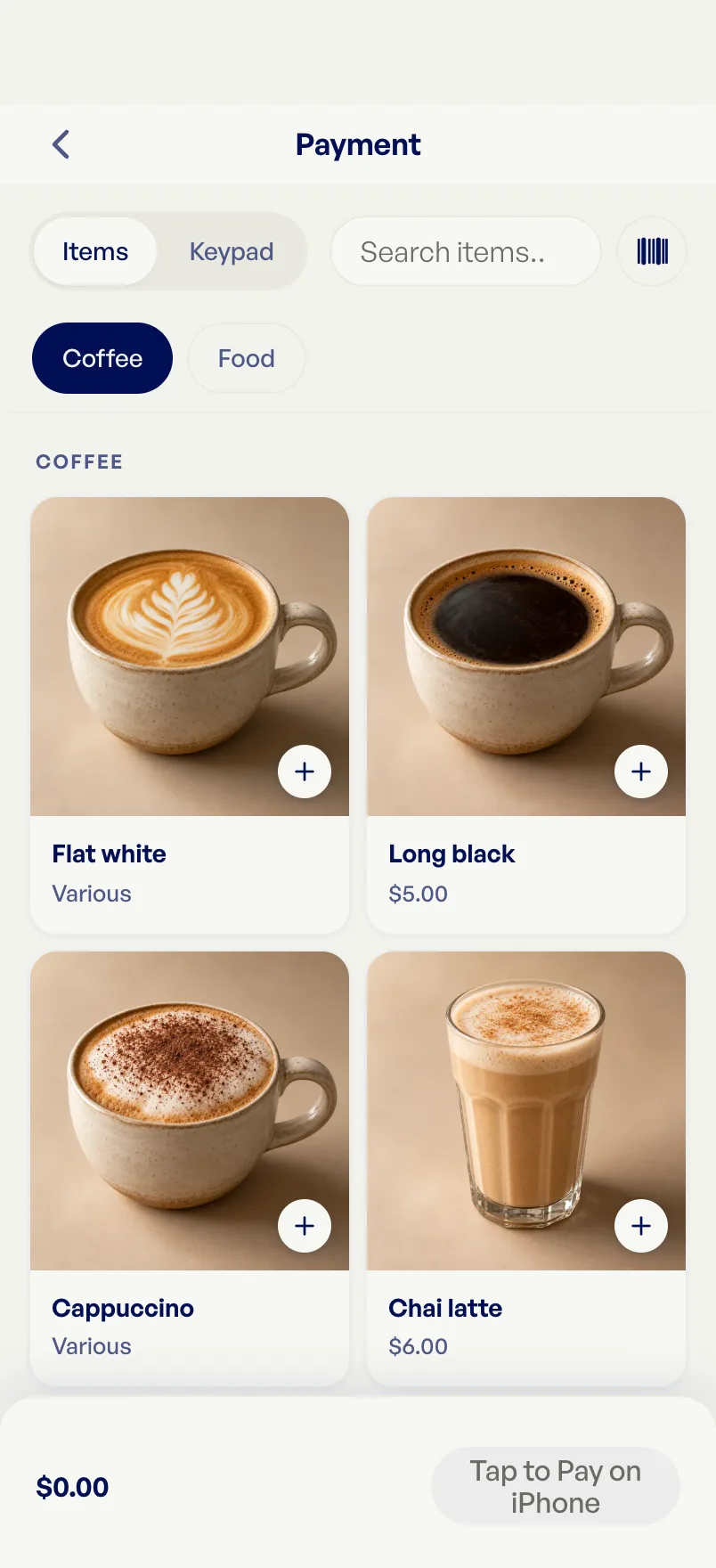
- Ring it up from your products, or just type an amount
- A receipt on its way before they’ve put their card away
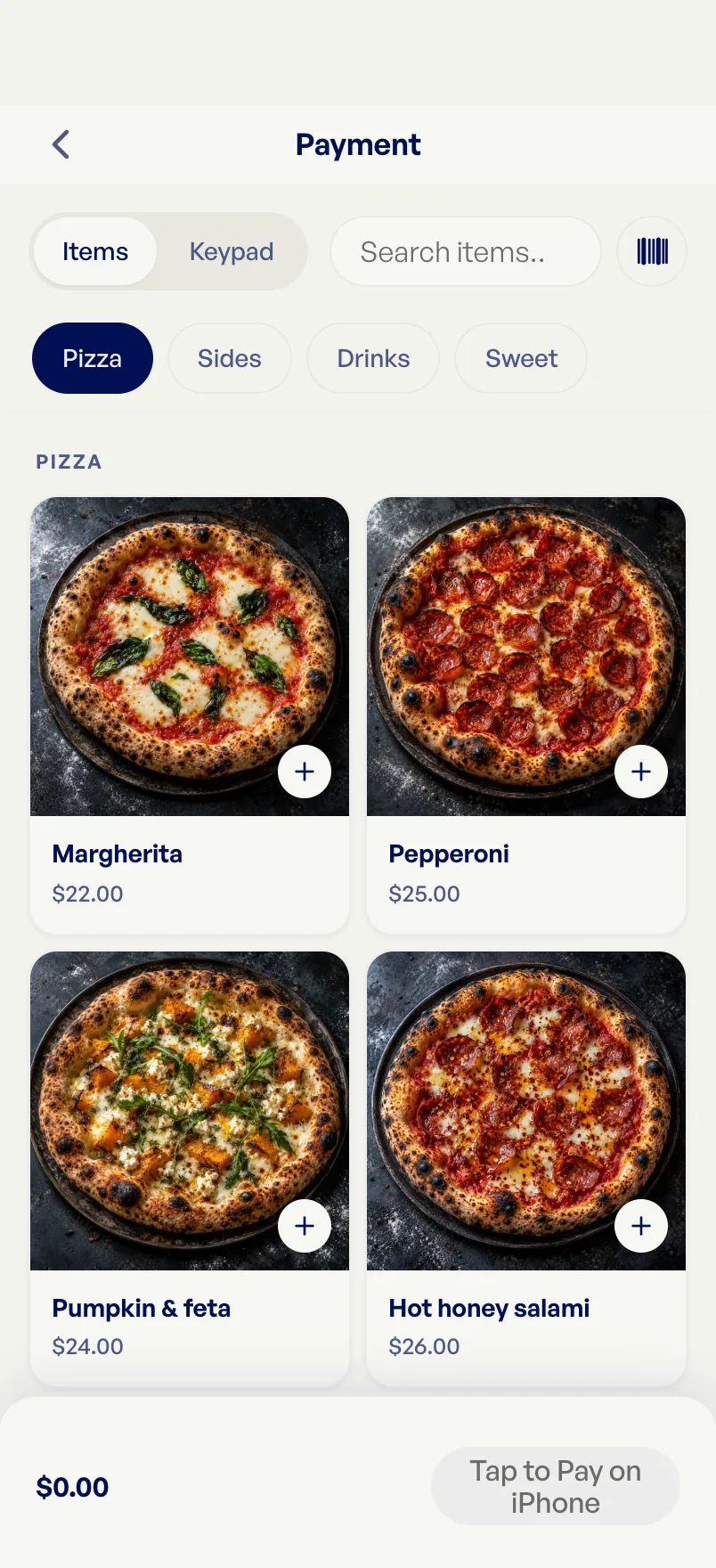
Ring it up on an iPad, tap on the terminal.
Want a terminal on the counter? Pair a card reader once with a code, and it shows up on every device you sell from.
- Stripe Reader S710 and BBPOS WisePOS E, or WisePad 3 by Bluetooth
- Your items and prices on the big screen of an iPad
- The amount goes to the reader; your customer taps, inserts or swipes


Tips in a tap, card fees covered if you choose.
Turn on tipping and your customer picks 5%, 10%, 15%, their own amount or no tip, right before they pay. Want your customer to cover your card fees? Choose a surcharge to match them, shown on its own line before they pay.
- The tip choice shows on your phone, or on the card reader’s screen
- The surcharge is on the checkout, the invoice and the receipt
- Set it to match your card fees, and no more
The new way to get paid, approved instantly.
Your customer scans a QR code and approves the payment in their own banking app. It isn’t a bank transfer you wait on: it approves in real time, like a card, and the money settles within an hour. No card, no card fees, and free for you.
- Approves instantly, like a card. Settles within an hour
- Fully digital: a QR code and their banking app, no bank log-ins
- Free for your business
Get paid for the job, not chasing it.
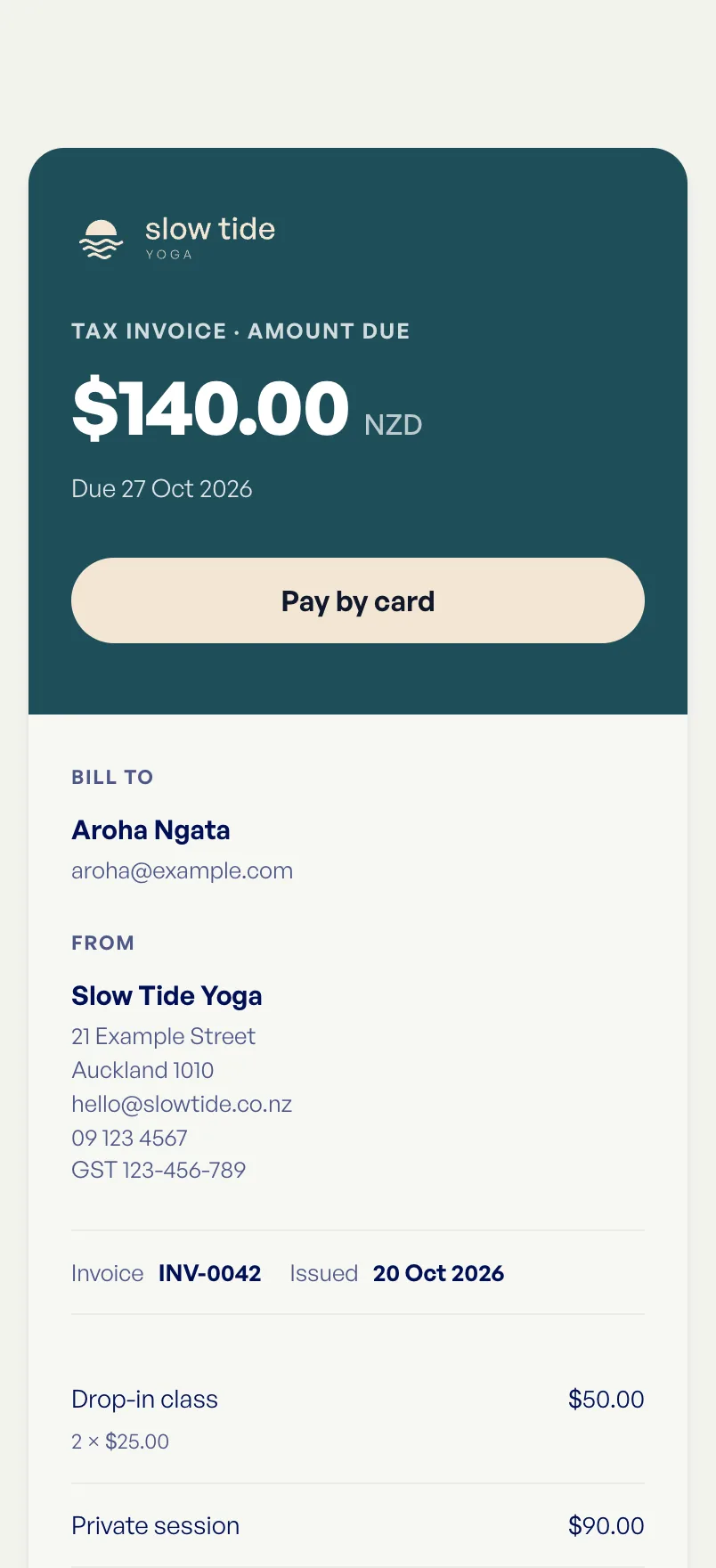
Send an invoice or a pay link in seconds. Your customer pays by card from the link, and you see it land.
- Invoices in your colours, with a pay button built in
- Pay links you can text from the job
- Friendly reminders that do the chasing for you
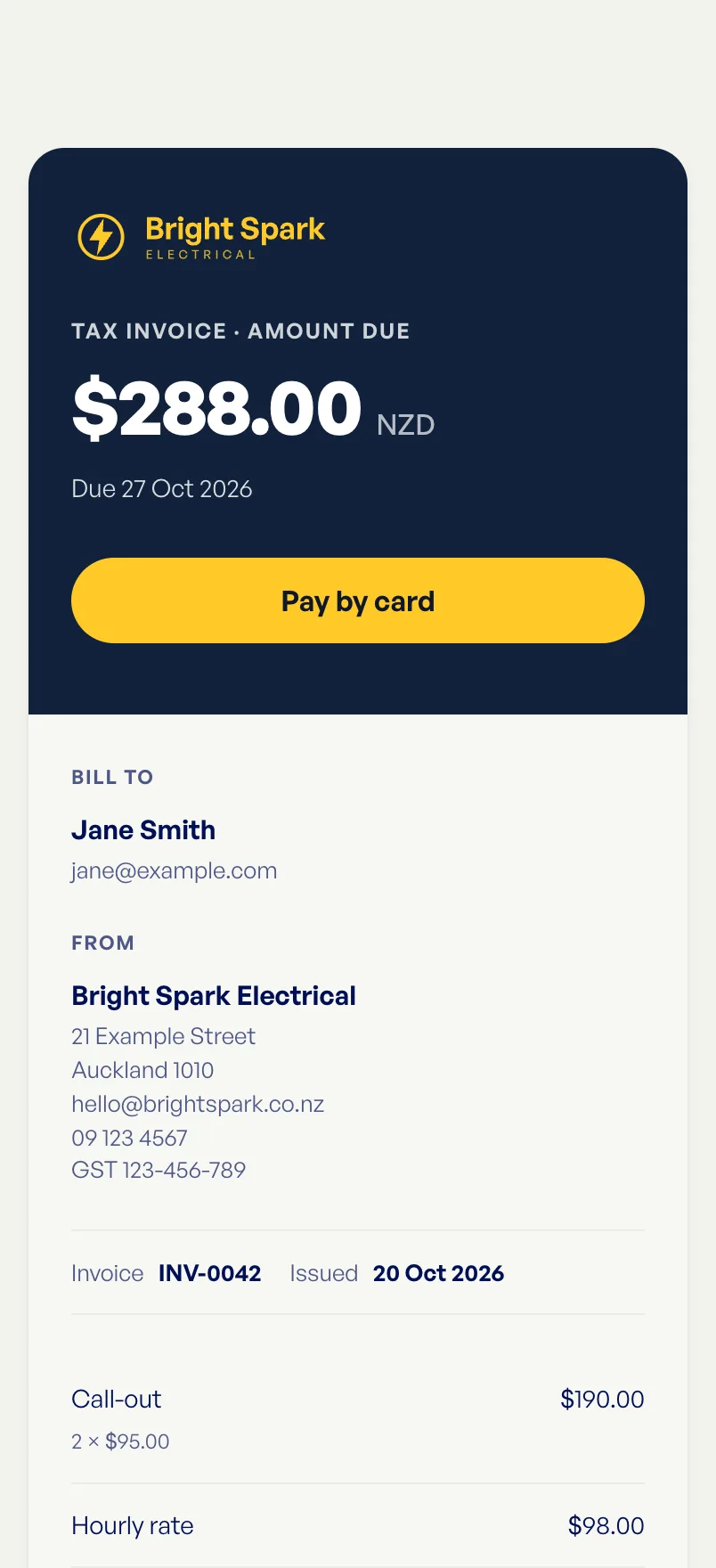 Pay Bright Spark Electricalcheckout.emerge.nzDeliveredPaid, thanks! 🙌
Your whole day, in one view.
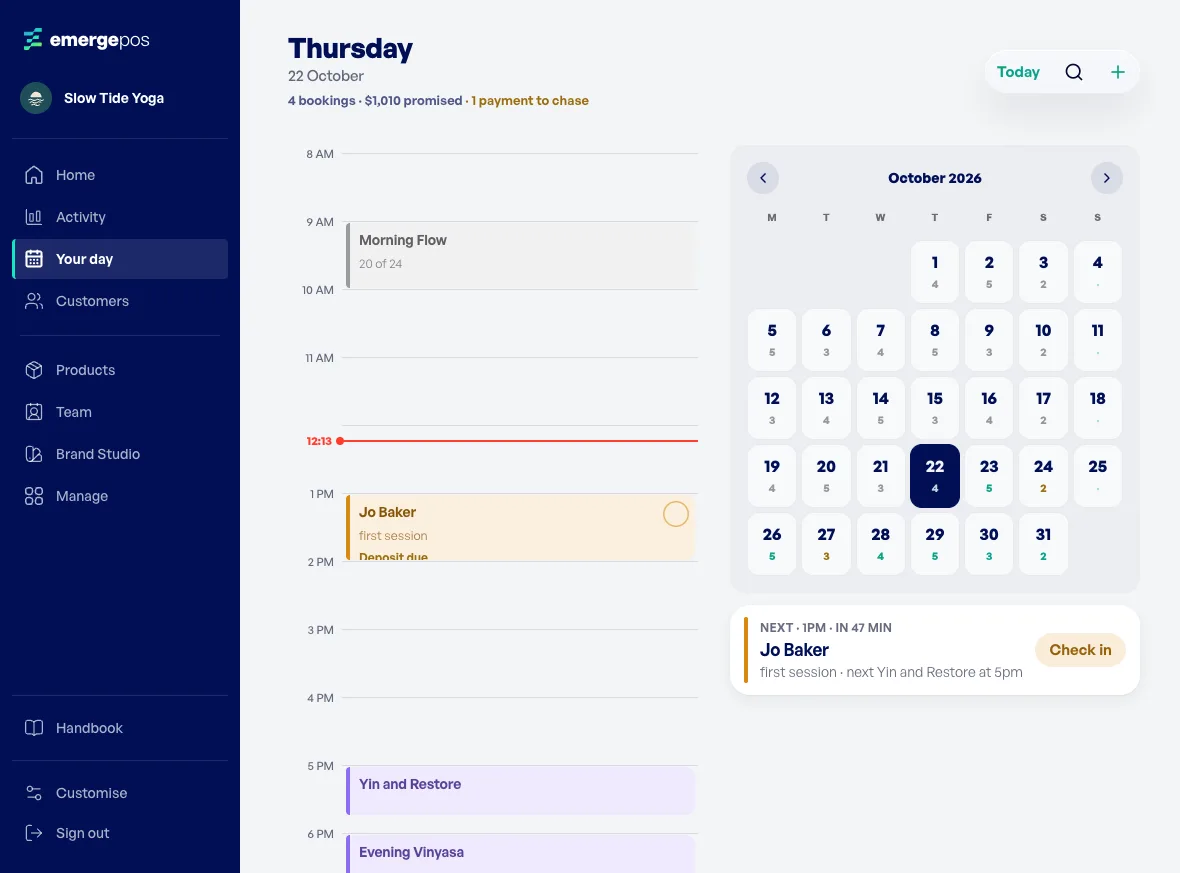
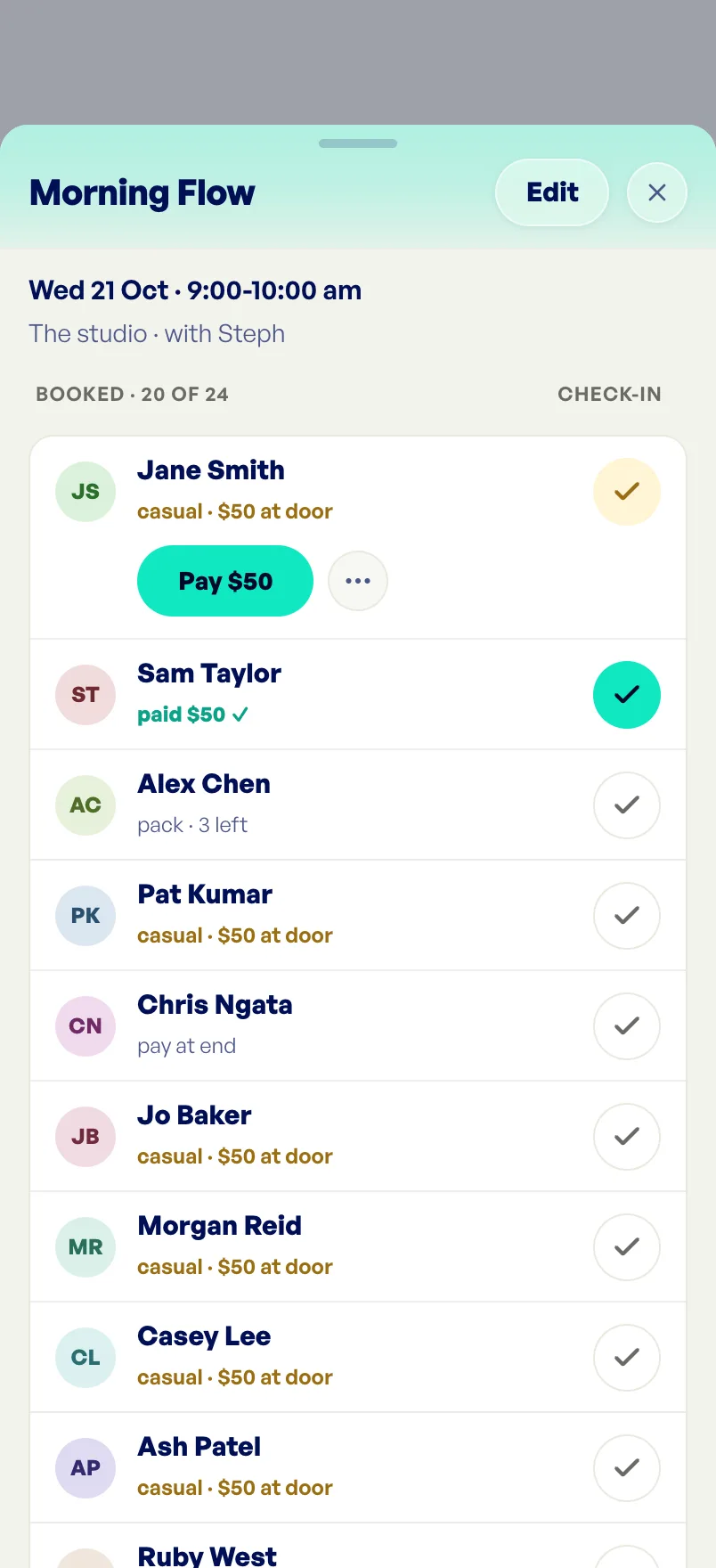
See who’s coming and what’s owed. Book one person or a whole class, hold the spot with a deposit, and check people in as they arrive.
- Who’s booked, when, and whether they’ve paid
- One-on-ones or a whole class, with a deposit to hold the spot
- Tick people in at the door, and take payment there and then
Packs and tickets, in their Wallet.
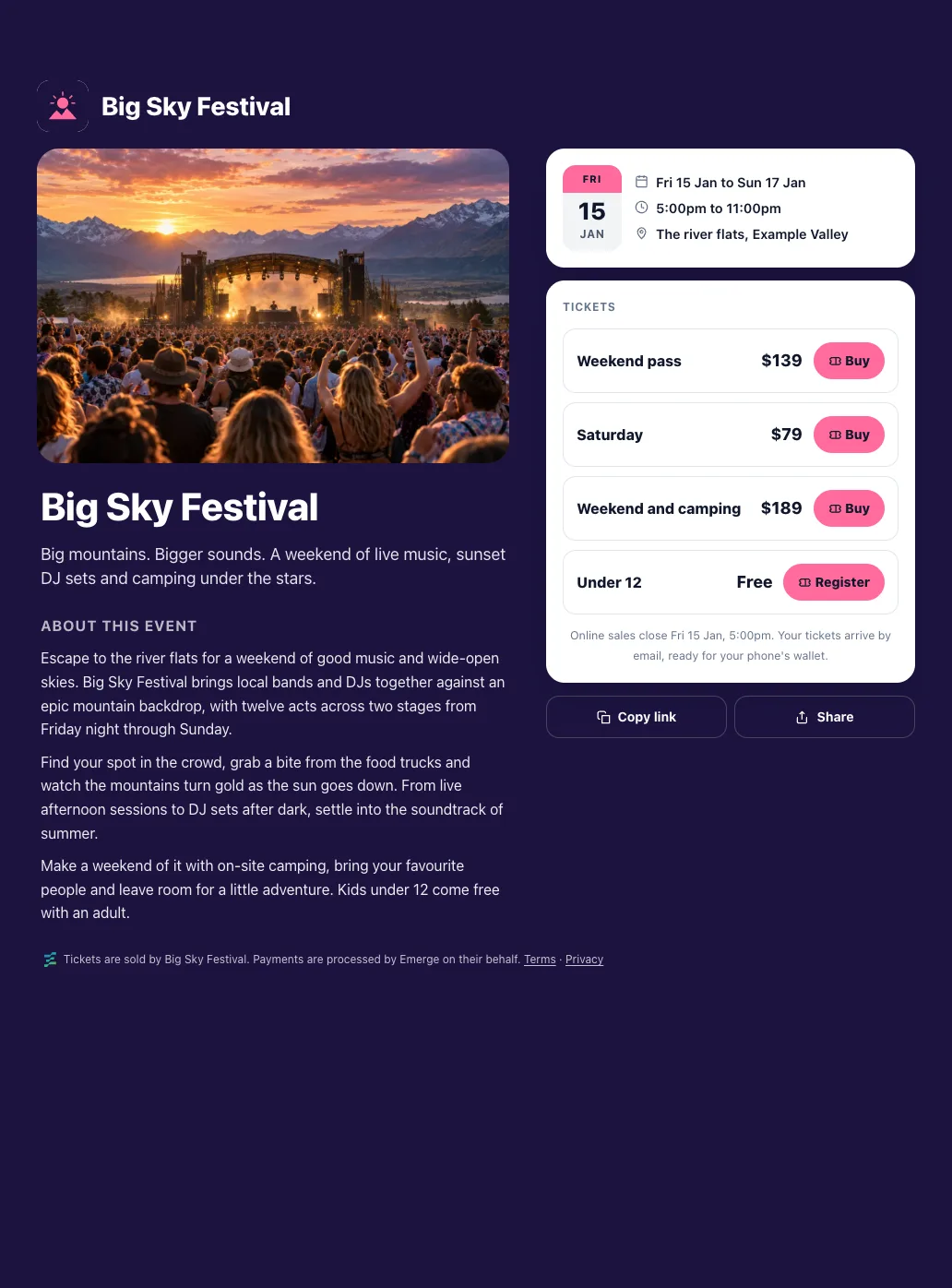
Sell a ten-class pack or a sold-out night. Customers keep it in Apple Wallet, and you scan them in with your phone.
- Class packs that count down with every visit
- Event pages that sell tickets or take free sign-ups
- Scan tickets and passes at the door, no extra kit
 Fri 15 Jan5:00pm
Know your numbers by close.
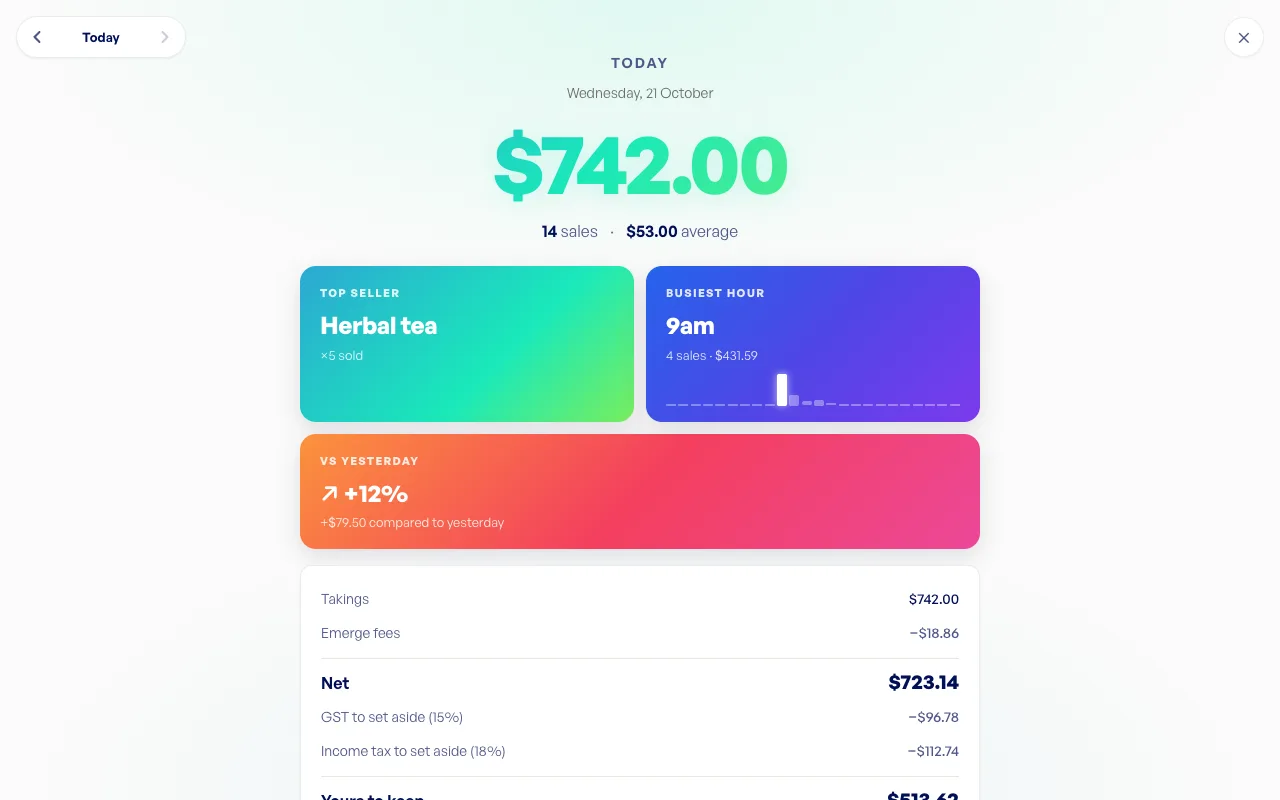
Today’s takings the moment you open the app, a wrap of the day when you close, and every payout to your bank. On your phone, or on the big screen from any browser.
- Today’s takings and what’s on its way to you
- Every sale, refund and payout in one place
- Reports for tax time, on your phone or the web
Folded, it’s a terminal. Open, it’s your business.
Folded, your menu sits down the side, a thumb away. Open it, and EmergePOS spreads out into its big-screen layout: the sidebar, today’s takings and every sale. Made for iPhone Duo, with Android foldables coming soon.
See it all working, before you start.
Every feature, with live demos on businesses like yours. Tap anything, nothing you do in them is real.
Ready to get paid, your way?
Two apps, one team. Emerge is your business account; EmergePOS is how you get paid.
Get the Emerge app and open a business account in minutes. Then ask our team to switch on POS.
Once POS is on for your business, get EmergePOS and sign in with your mobile number.